Ha! Not at all. I just like griping about the process. I’m glad you said something because I didn’t even notice how dark everything was and I was able to fix the caps at least

Ha! Not at all. I just like griping about the process. I’m glad you said something because I didn’t even notice how dark everything was and I was able to fix the caps at least
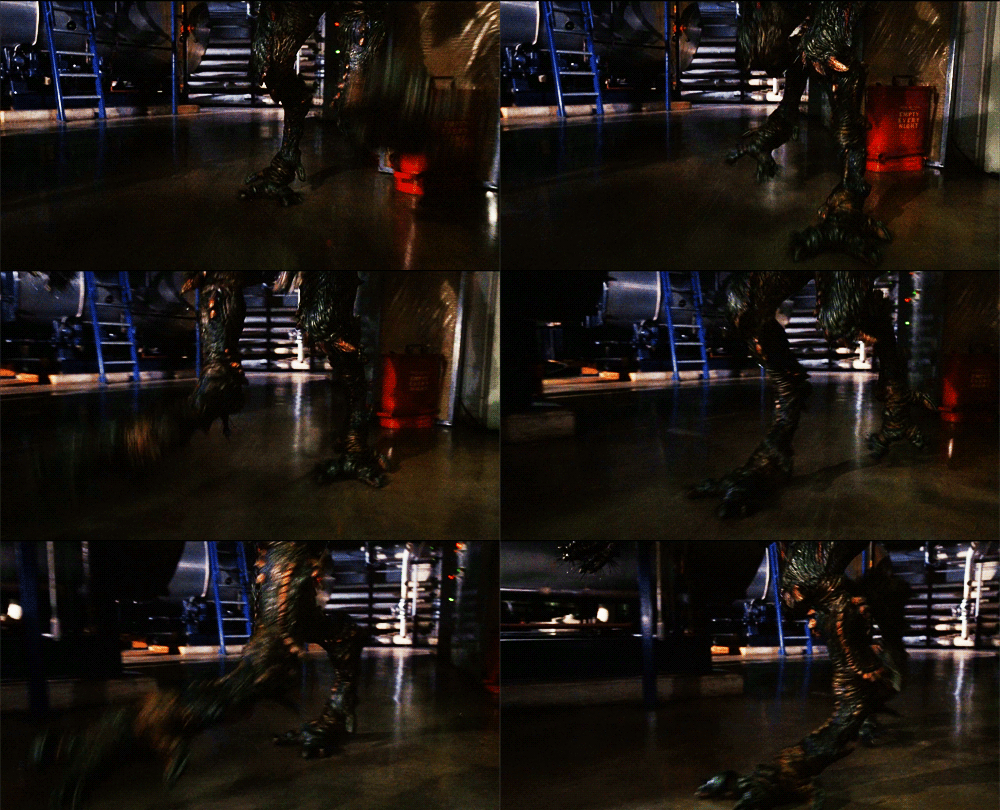
*stone cold theme*
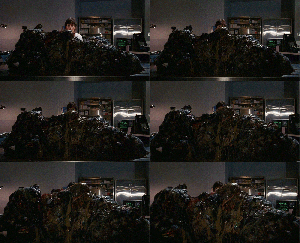
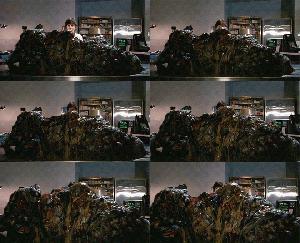
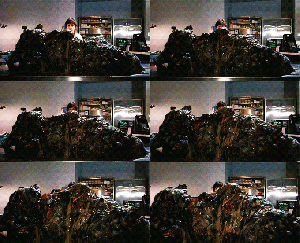
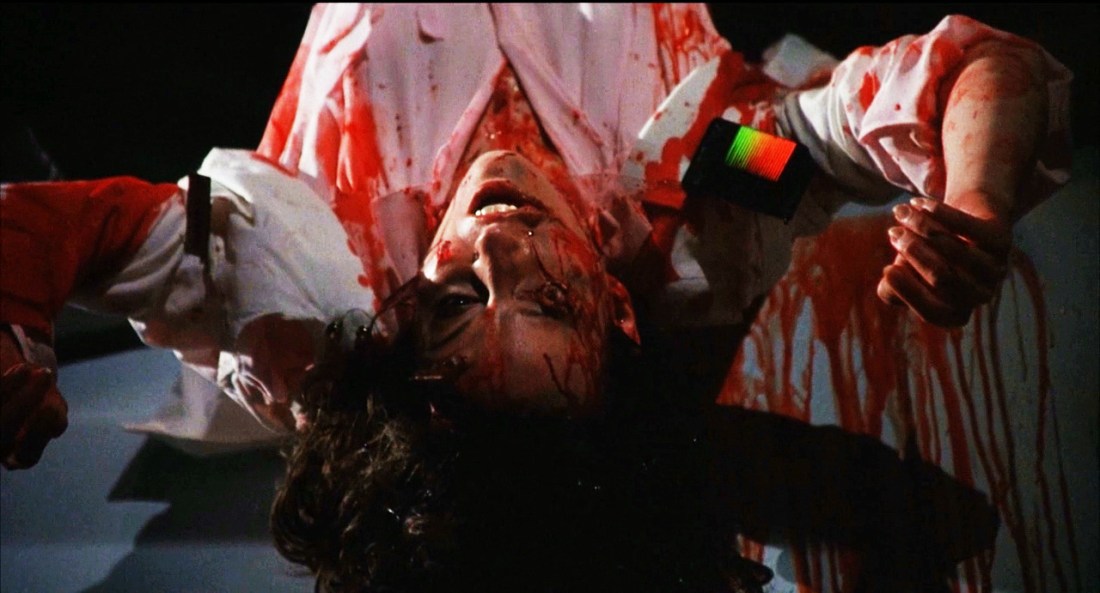
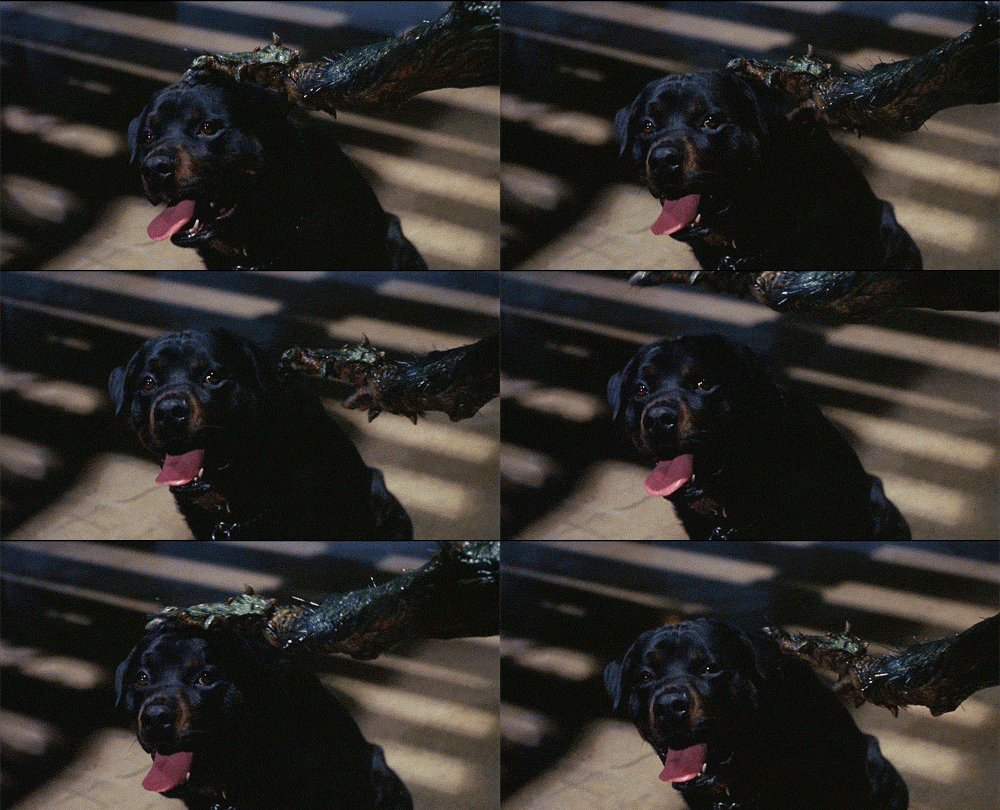
Here’s a good example of the catch-22 with this source video.
1st gif is the original dark one (too dark)
2nd is brightened with contrast turned down (too fuzzy/chippy image)
3rd is brightened with boosted contrast (crisp contrast obscures more details by darkening/REALLY chippy image/light parts too light/dark parts too dark)
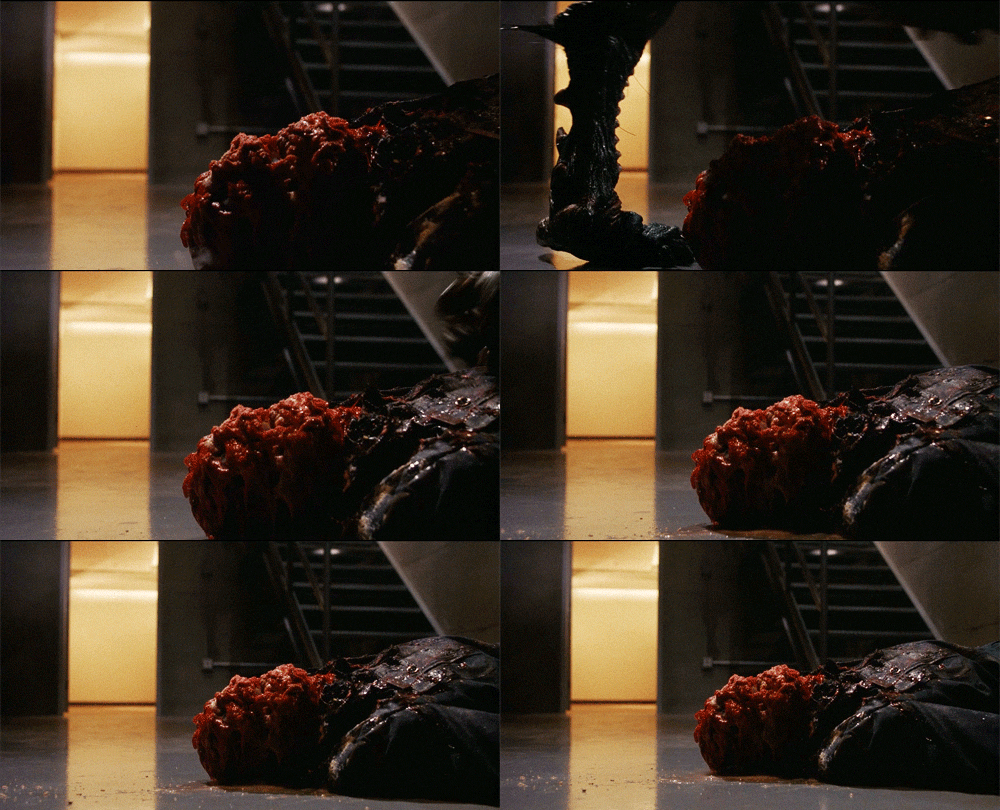
thoughts and prayers!
I doubt it was filmed too dark or anything. The source video I used was very dark though. When you make gifs and you need to brighten due to dark source material, as was the case with THE FLY II, sometimes it’s hard to be able to tell where to stop if you’re not comparing it to other sources. If you go too bright, the image gets chippy, even if you have hd video. So with this particular source, there’s a very small margin for a satisfactory image. I basically have to blast the brightness and then even out the chippy image by boosting up the contrast pretty high. Kinda screwed either way because then the colors and values get too intense. I was able to adjust the caps though, and they look a bit better now.
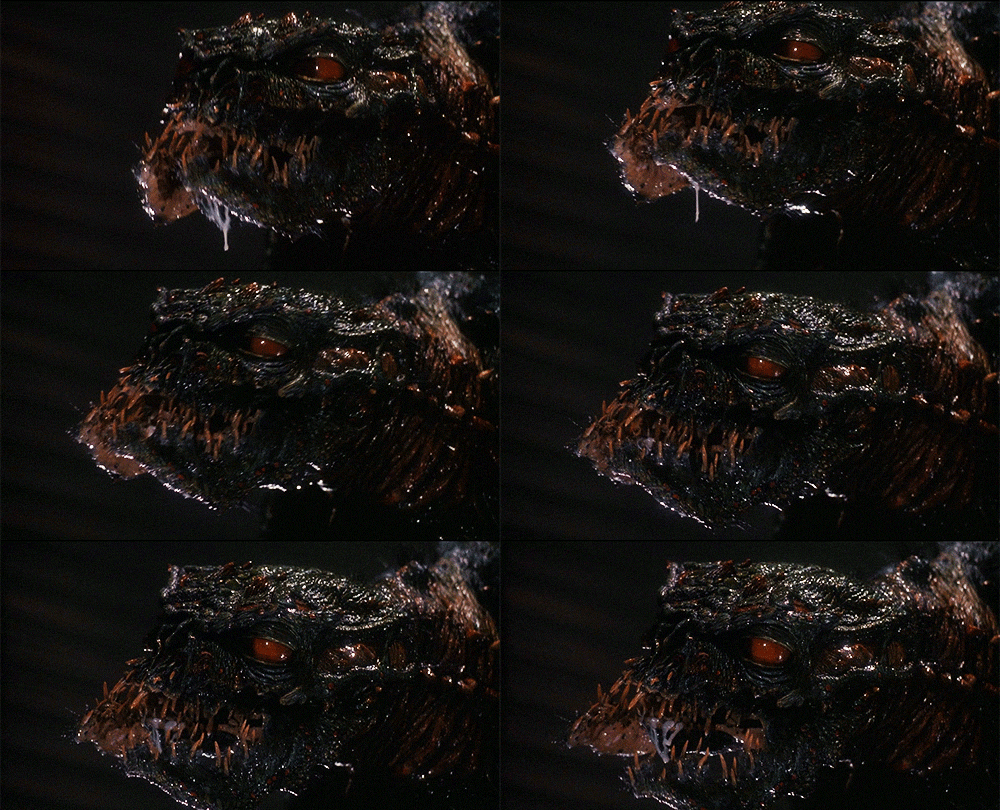
Why yes, that is a significantly cromulent anecdote. Would someone please pass the festering carcass?
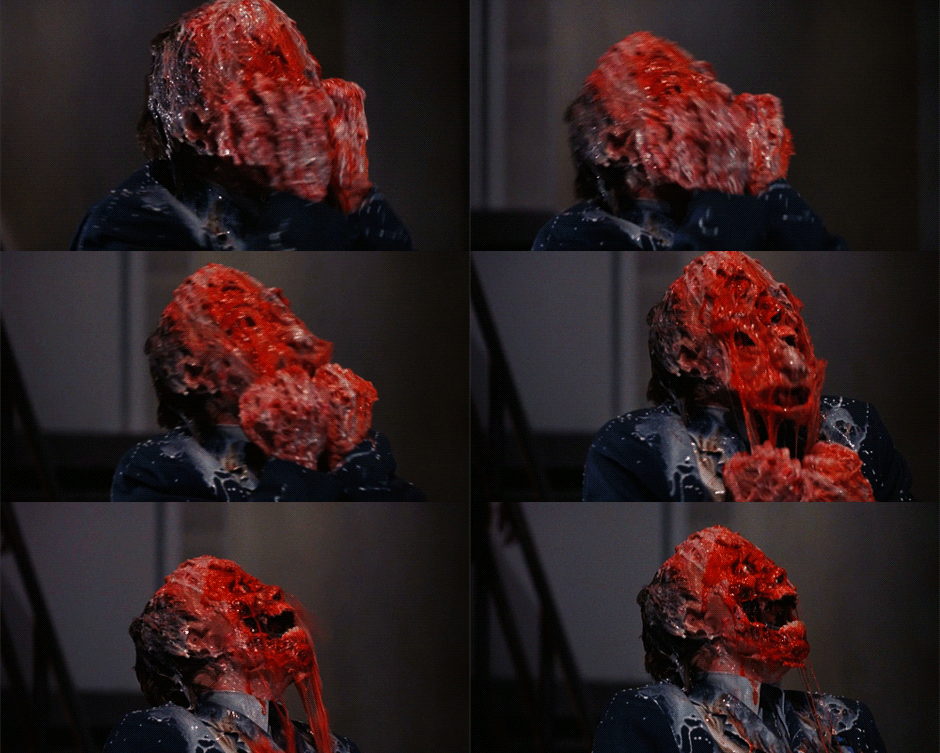
I almost feel clean!
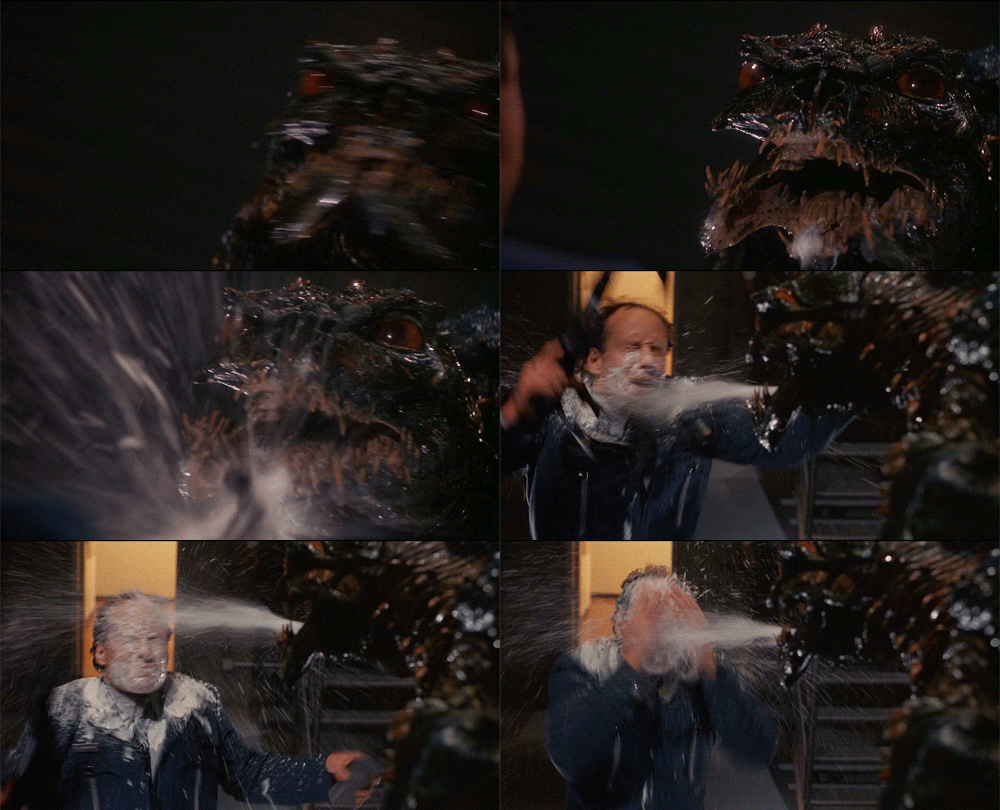
eat acid fly spit, scum!
I appreciate your service in helping to create more potent stinks and stenches in the world, friend
 Moviesludge